


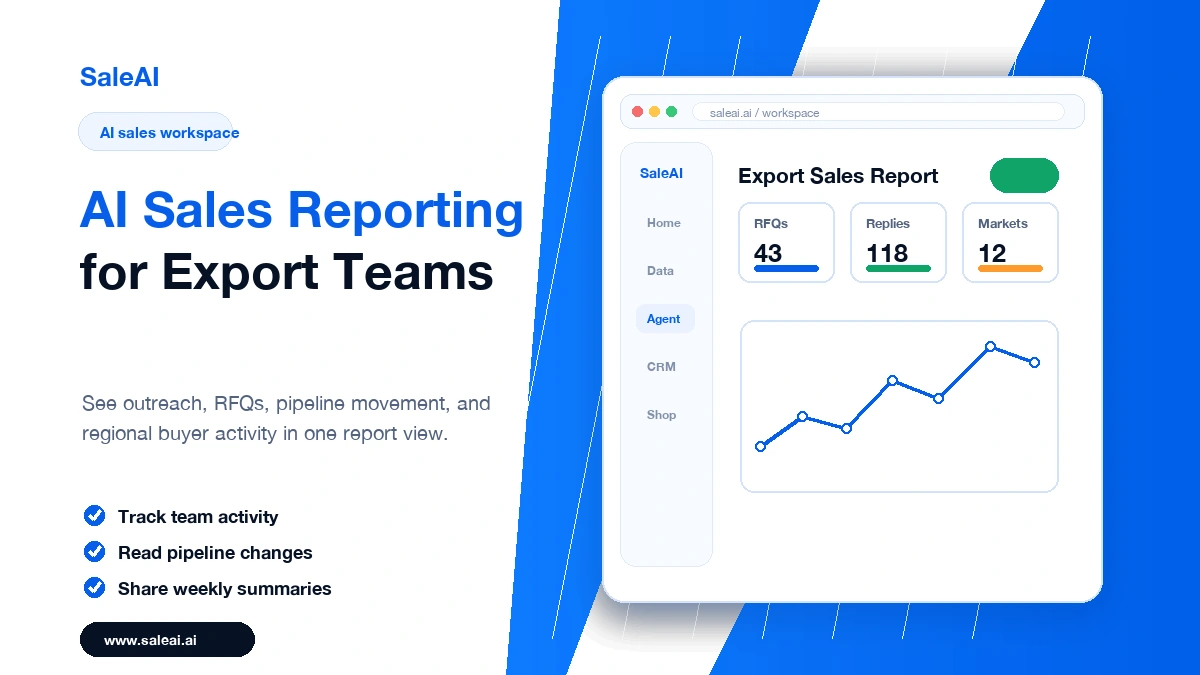
Sales reports should help teams make decisions. Too often, they become a weekly ritual of copying numbers into a spreadsheet no one uses. Export sales teams feel this problem even more because buyer activity may be spread across email, websites, CRM notes, trade platforms, and individual rep follow-ups.
AI sales reporting can make reporting more useful by turning scattered activity into a clear picture of what happened, what changed, and what needs attention next.
The Problem with Traditional Sales Reports
Many sales reports focus on activity counts. They show how many emails were sent, how many leads were added, or how many calls were made. Those numbers are not useless, but they rarely explain whether the team is moving in the right direction.
A better report answers questions like:
- Which buyers became more engaged?
- Which markets are showing stronger signals?
- Which follow-ups are overdue?
- Which accounts need manager support?
- Which sales activities created real conversations?
For export teams, these questions matter because sales cycles can be long and regional context changes quickly.
What AI Can Add to Sales Reporting
AI can help summarize patterns that are easy to miss manually. It can group activity by buyer type, highlight accounts with recent movement, and turn raw notes into readable summaries.
This does not mean the report should become longer. A good AI sales report is usually shorter than a manual one because it removes noise.
SaleAI can support reporting by connecting CRM activity, buyer profiles, company intelligence, and workflow actions into a more usable sales picture.
Metrics Worth Tracking
Not every metric deserves space in the report. Focus on numbers that guide action.
Outreach Quality
Track more than send volume. Look at whether outreach is targeted, personalized, and connected to the right buyer profile.
Reply Movement
A reply is not always progress. Separate positive replies, clarification questions, price-only replies, and low-fit responses.
Follow-Up Health
This is one of the most useful reporting areas. Track overdue follow-ups, upcoming reminders, and accounts waiting for a next step.
Market Signals
If a region or product category shows stronger activity, the sales team should see it. SaleAI Data can help surface company and market context that supports better prioritization.
Workflow Bottlenecks
If reps spend too much time on repetitive browser tasks, manual research, or copying data, the report should show where automation can help.
A Practical Weekly Report Structure
A useful weekly sales report can be simple.
Use five sections:
- Summary of meaningful activity
- Top buyer movements
- Overdue or urgent follow-ups
- Market or product signals
- Recommended actions for next week
This structure keeps the report focused on decisions rather than documentation.
How SaleAI Helps Teams Move from Reporting to Action
Reporting should not end with a meeting. If the report says ten buyers need follow-up, the workflow should help create those next actions.
SaleAI CRM can help organize buyer profiles and suggested actions. SaleAI Agent can support repeatable research or update tasks. SaleAI Data can provide company and market context. Together, these tools help reporting become part of the sales workflow instead of a separate admin task.
Common Reporting Mistakes
One mistake is reporting too many numbers without interpretation. Another is reporting only wins and ignoring stalled accounts. A third is failing to connect the report to next actions.
The best report is not the one with the most charts. It is the one that helps the team decide what to do next.
FAQ
Q: What is AI sales reporting? A: AI sales reporting uses automation and AI summarization to turn sales activity, buyer movement, and CRM data into clearer reports and next actions.
Q: What should export sales teams track? A: Export teams should track outreach quality, reply movement, follow-up health, market signals, and workflow bottlenecks.
Q: How can SaleAI support sales reporting? A: SaleAI can connect buyer profiles, CRM activity, company intelligence, and automated workflow actions to make reports more actionable.
