


A buyer asks for pricing on Tuesday.
The quotation is sent within two hours.
Then nothing happens.
No reply.
No rejection.
No negotiation.
Most exporters stop here.
Not because the opportunity is dead, but because they are unsure:
- when to follow up
- what to say
- how often to send reminders
- how to avoid sounding pushy
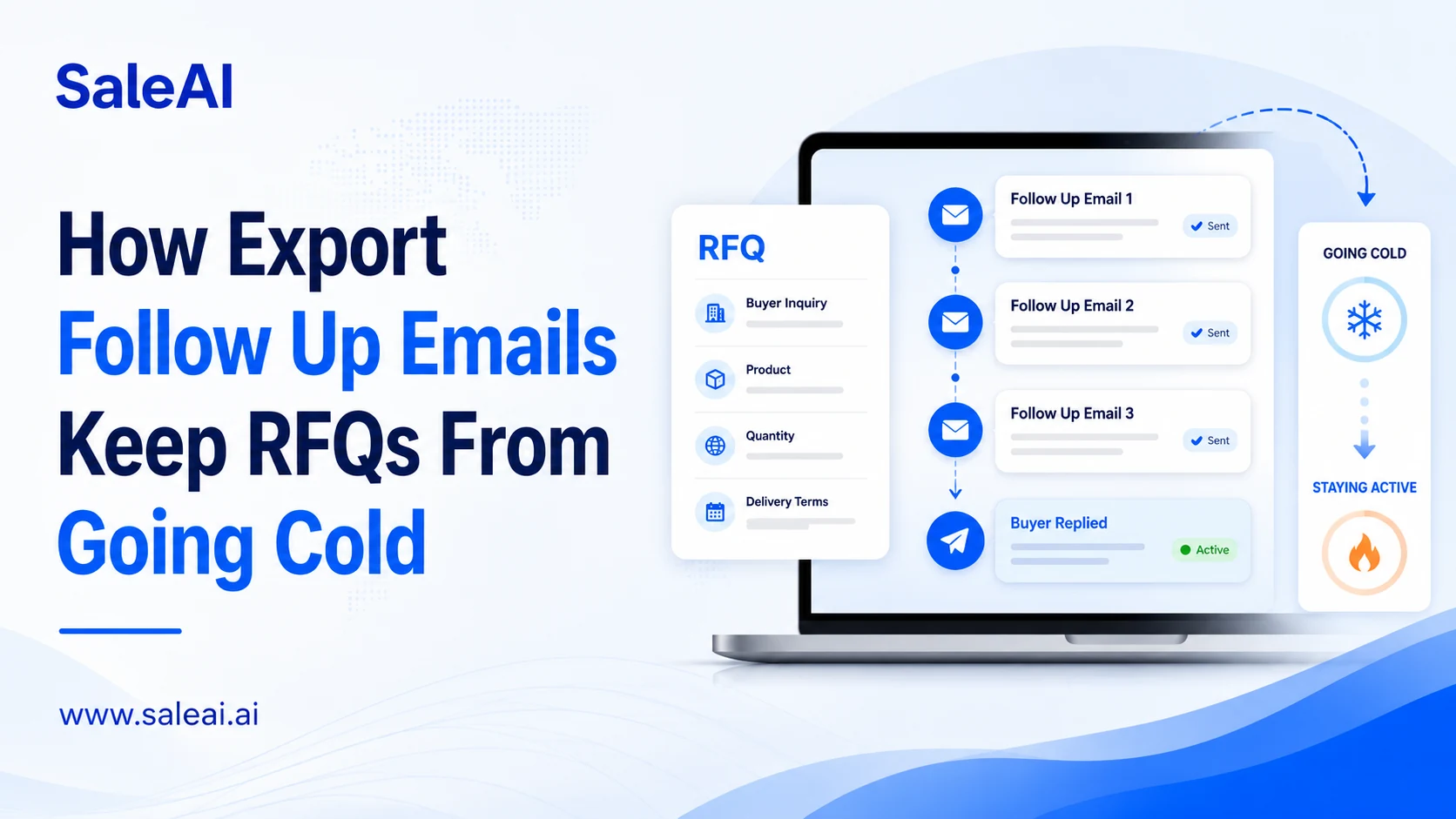
This is where structured export follow up emails become critical.
Silence Does Not Always Mean “No”
Many buyers disappear temporarily because:
- internal approvals take time
- procurement compares multiple suppliers
- product specifications change
- budgets are delayed
- sourcing priorities shift
Export sales cycles are rarely linear.
A buyer who ignores today’s quotation may still return next week.
This is why follow-up matters more than many exporters realize.
The Biggest Mistake Exporters Make
Most weak follow-ups look like this:
“Please check our quotation.”
The problem?
It gives the buyer:
- no new information
- no useful reason to respond
- no conversation direction
Good export follow up emails reduce buyer friction instead of increasing pressure.
What Better Follow-Ups Usually Include
Strong follow-ups often add:
- revised MOQ options
- lead time clarification
- shipping suggestions
- packaging flexibility
- sample updates
- certifications
- alternative pricing structures
The goal is not repeating the quotation.
The goal is helping the buyer move closer to a decision.
Different RFQ Stages Need Different Follow-Ups
Not every buyer should receive the same message.
| RFQ Stage | Better Follow-Up Focus |
|---|---|
| After first quote | Confirm pricing fit |
| MOQ hesitation | Offer quantity options |
| Silent buyer | Soft reminder + useful info |
| Sample stage | Shipping & testing update |
| Negotiation stage | Clarify revised terms |
This is why structured follow-up workflows outperform random reminders.
Timing Matters More Than Many Teams Expect
Following up:
- too early feels aggressive
- too late loses momentum
A practical export rhythm often looks like:
Day 1
Quotation sent
Day 3–4
Soft follow-up
Day 7–10
Value-add message
Day 14+
Re-engagement or final check-in
Good timing keeps conversations alive without creating fatigue.
A Real Export Scenario
A distributor from Chile requests kitchenware pricing.
The process includes:
- Initial quotation
- MOQ revision
- Packaging discussion
- Silence for 8 days
Instead of sending:
“Any update?”
a stronger follow-up says:
“We can also support mixed-container loading if MOQ flexibility is important for your retail distribution model.”
That changes the conversation entirely.
Better export follow up emails create movement—not pressure.
Why AI Helps Follow-Up Workflows
As RFQ volume grows, follow-up becomes difficult to manage manually.
AI systems help exporters:
- organize reminder timing
- generate follow-up drafts
- track quotation stages
- identify inactive RFQs
- adapt messaging by buyer behavior
The value is not “sending more emails.”
It is maintaining continuity across complex export conversations.
How SaleAI Supports Follow-Up Operations
SaleAI helps export teams manage:
- RFQ stages
- quotation follow-ups
- buyer engagement
- reminder timing
- multi-channel outreach
inside one workflow.
Teams can:
- generate context-aware follow-ups
- organize buyer conversations
- avoid duplicate reminders
- maintain communication consistency
Strong export follow up emails are not about chasing buyers.
They are about keeping momentum alive at the right moments.
A Simple Internal Rule
Before sending any follow-up, ask:
“Am I helping the buyer make a decision—or just asking for an update?”
That difference changes response quality dramatically.
