


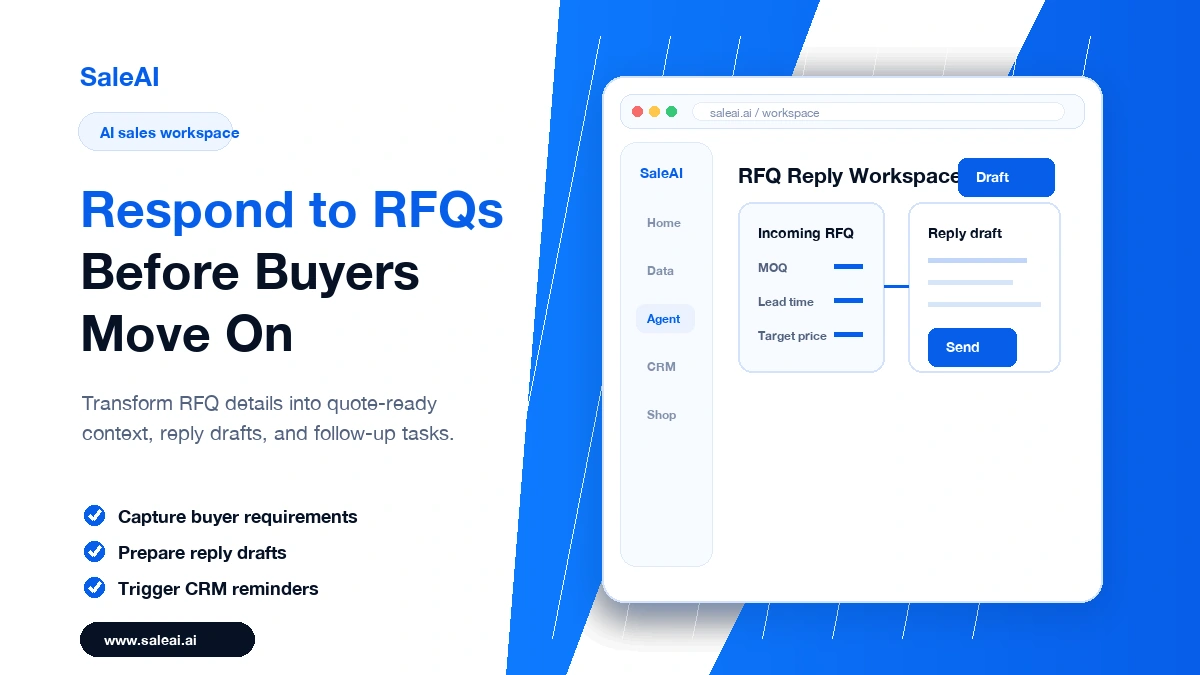
RFQs are time-sensitive. A slow reply can make a capable supplier look unavailable, even when the product and price are competitive. For many B2B sales teams, the delay is not caused by laziness. It happens because information is scattered.
A salesperson may need to check product details, confirm minimum order quantity, review shipping notes, understand the buyer, and write a careful reply. When several RFQs arrive at once, response quality becomes uneven.
AI sales workflows can make this process faster without turning the reply into a generic template.
Why RFQ Response Speed Matters
When a buyer sends an RFQ, they are often comparing multiple suppliers. The first useful response does not always win, but it does shape the buyer’s impression.
A strong RFQ response should do three things quickly:
- Confirm that the request was understood
- Provide the next useful piece of information
- Make it easy for the buyer to continue the conversation
The problem is that many teams focus only on price. A buyer may also care about lead time, packaging, compliance, customization, samples, or payment terms.
Where Manual RFQ Work Slows Down
The slowest parts of RFQ handling are usually not the final email. They are the small steps before it.
A rep may need to identify the buyer’s company, check whether the request matches the target market, find the right product information, ask an internal question, and decide what follow-up should happen after the reply.
If each step takes only a few minutes, the total delay can still stretch into hours.
What an AI RFQ Workflow Looks Like
An AI workflow does not replace sales judgment. It prepares the workspace so the rep can make a better decision faster.
A practical RFQ workflow may include:
- Extracting key details from the buyer’s message
- Matching the request to relevant product information
- Pulling company context into the buyer profile
- Drafting a reply with clear next steps
- Creating a follow-up reminder in the CRM
SaleAI can support this kind of workflow by combining AI-assisted content, company context, browser task automation, and CRM actions.
Step 1: Capture the Request Clearly
Start by separating facts from assumptions. The RFQ may mention quantity, destination, product type, target price, deadline, packaging, or certification requirements.
AI can help summarize the request, but the team should still review anything that affects price, compliance, or delivery.
A good internal summary might include:
- Product requested
- Quantity and destination
- Required documents or standards
- Buyer deadline
- Missing information
- Recommended next question
This makes the reply more accurate and makes handoff easier if another team member needs to help.
Step 2: Add Buyer Context Before Replying
A fast reply should still feel informed. If the buyer is a distributor, importer, retailer, or manufacturer, the message should reflect that context.
SaleAI Data can help provide company intelligence and market context. SaleAI Agent can assist with repeatable research tasks, such as checking public company pages or collecting relevant background information.
The goal is not to overload the email. The goal is to avoid sounding like every other supplier.
Step 3: Draft a Useful Response
A good RFQ response is usually short, but it should not be thin. It should acknowledge the request, answer what can be answered, and ask for what is missing.
A practical structure is:
- Thank the buyer and reference their request
- Confirm the product or specification
- Provide available information or a realistic next step
- Ask one or two necessary questions
- Set expectation for the next response
AI can draft this structure quickly. The salesperson should then adjust tone, commercial details, and any sensitive information.
Step 4: Create the Follow-Up Before Sending
Many RFQs are lost after the first response because no one follows up at the right time. The follow-up should be created while the context is fresh.
SaleAI CRM can help keep the buyer profile, message history, and next action connected. This turns RFQ handling from a one-time reply into a managed sales process.
What Not to Automate Blindly
Do not automate final pricing approval unless your internal rules are clear. Do not invent delivery timelines or certifications. Do not let AI send messages without review when the RFQ involves complex requirements.
AI is most useful when it reduces preparation time and improves consistency. It should not remove accountability from commercial decisions.
FAQ
Q: Can AI respond to RFQs automatically? A: AI can draft and organize RFQ responses, but teams should review pricing, delivery, compliance, and product details before sending.
Q: How does SaleAI help with RFQ workflows? A: SaleAI can help with buyer research, response drafting, browser-based task automation, and CRM follow-up management.
Q: What is the best way to improve RFQ response speed? A: Standardize the workflow: capture request details, add buyer context, draft the response, and schedule follow-up before the message is sent.
