


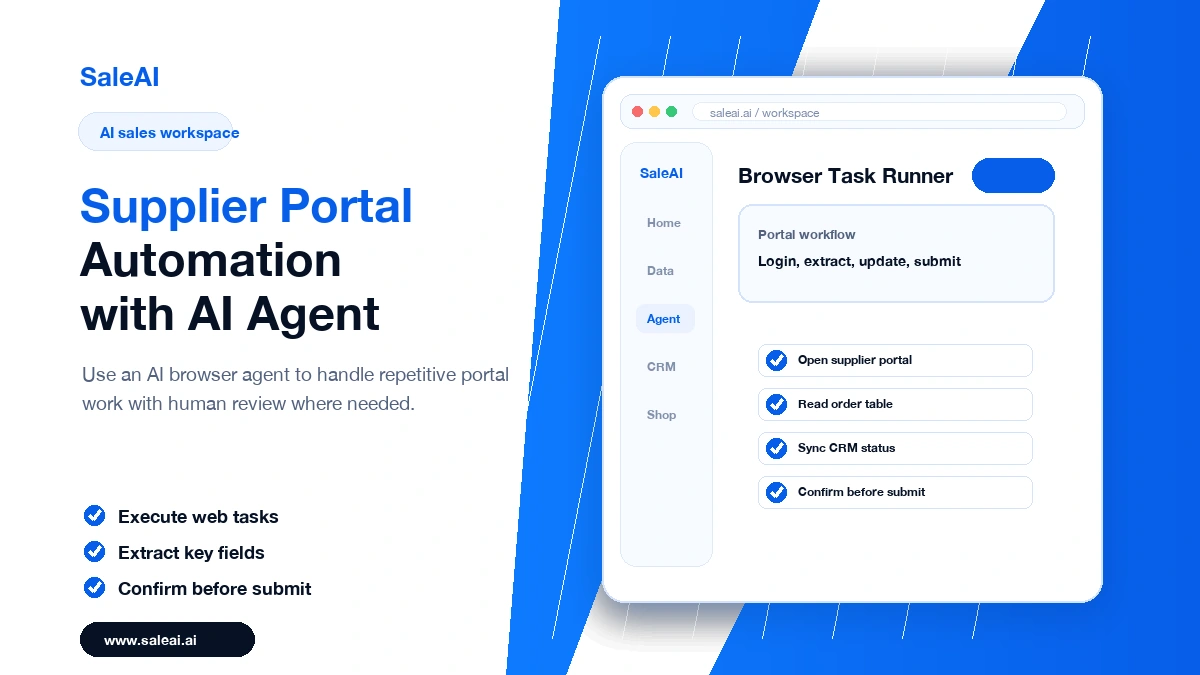
Supplier portal automation is often where sales productivity is lost quietly. A team may spend hours logging into portals, checking fields, downloading documents, copying order details, or updating status information. The work is important, but much of it is repetitive.
SaleAI Agent is built for browser-based tasks such as clicking, extracting, publishing, replying, and syncing data. That makes it relevant for portal work that does not fit neatly into a standard CRM integration.
Document the routine before automating
The first step is not automation. The first step is documentation. Which page does the rep open? Which field is copied? Which value changes the next action? Which step must be reviewed before submission?
Good supplier portal automation starts with a clear operating procedure. If the team cannot describe the workflow, the AI agent will only make confusion faster.
Choose the right first tasks
- Extract visible order or inquiry fields.
- Summarize portal updates for the sales team.
- Prepare CRM notes from portal information.
- Check whether required documents are available.
- Pause before submitting high-impact changes.
Extraction and summarization are often safer starting points than form submission. Once the team trusts the process, it can expand automation carefully.
Keep review points visible
Portal tasks may affect pricing, order status, product information, or buyer commitments. Those steps need review. Supplier portal automation should make review easier, not hide it.
Connect portal outcomes to CRM
After a portal action, the result should be stored where the sales team works. SaleAI CRM can help keep the buyer status, owner, and next step visible. Otherwise, the team saves time in the portal but loses context in follow-up.
The best version of supplier portal automation is controlled and practical. It handles repeatable browser work while leaving commercial judgment with the people responsible for the account.
Create a risk map before scaling
Not every portal task carries the same risk. Reading a field is low risk. Downloading a document is usually low risk. Updating delivery status, changing product information, or submitting a form may be higher risk. Strong supplier portal automation separates these actions before automation begins.
Use three levels. Low-risk tasks can run with simple logging. Medium-risk tasks should require a quick review. High-risk tasks should pause for explicit approval. This gives the team speed without losing control.
Keep a handoff log
A handoff log is one of the most useful parts of portal automation. It should show what the agent opened, what information it extracted, which fields were updated, and where human review was required. If a buyer asks about a change later, the team can trace what happened.
This is especially important when portal work connects to CRM. The log should not live only inside the automation tool. The final status, account note, and next action should appear in the customer record. Supplier portal automation is strongest when it saves time and improves accountability at the same time.
What should be automated first
Supplier portals contain many repetitive tasks, but not every task should be automated on day one. The best starting points are workflows with clear rules and visible business impact: checking new RFQs, organizing buyer messages, flagging missing documents, reminding sales reps about deadlines, and preparing structured notes before a quote is drafted.
SaleAI helps teams use an AI agent as an assistant around these steps, while keeping commercial judgment in the hands of the sales team. This makes supplier portal automation less risky because the agent is not replacing negotiation. It is reducing the administrative delay that often causes good opportunities to go cold.
Signals that the workflow is working
- RFQs are reviewed faster during busy periods.
- Buyer requests are easier to compare across portals.
- Sales managers can see which opportunities are waiting for action.
- Quotes include fewer missing details because context is captured earlier.
For export companies, the real value is consistency. A team that handles portal work in a consistent way can respond faster without losing control over pricing, compliance, or buyer communication quality.
