


Why Export Quotations Slow Down Sales Teams
Export sales often moves quickly.
A buyer sends an RFQ.
The salesperson checks pricing.
Someone confirms MOQ.
Another team member reviews delivery time.
Then the quotation still needs formatting before it can be sent.
This process often takes longer than expected.
For many suppliers, export quotation software becomes useful when manual quote preparation starts delaying buyer replies.
What Buyers Expect From a Professional Quotation
International buyers do not only compare prices.
They also check whether a supplier looks organized and reliable.
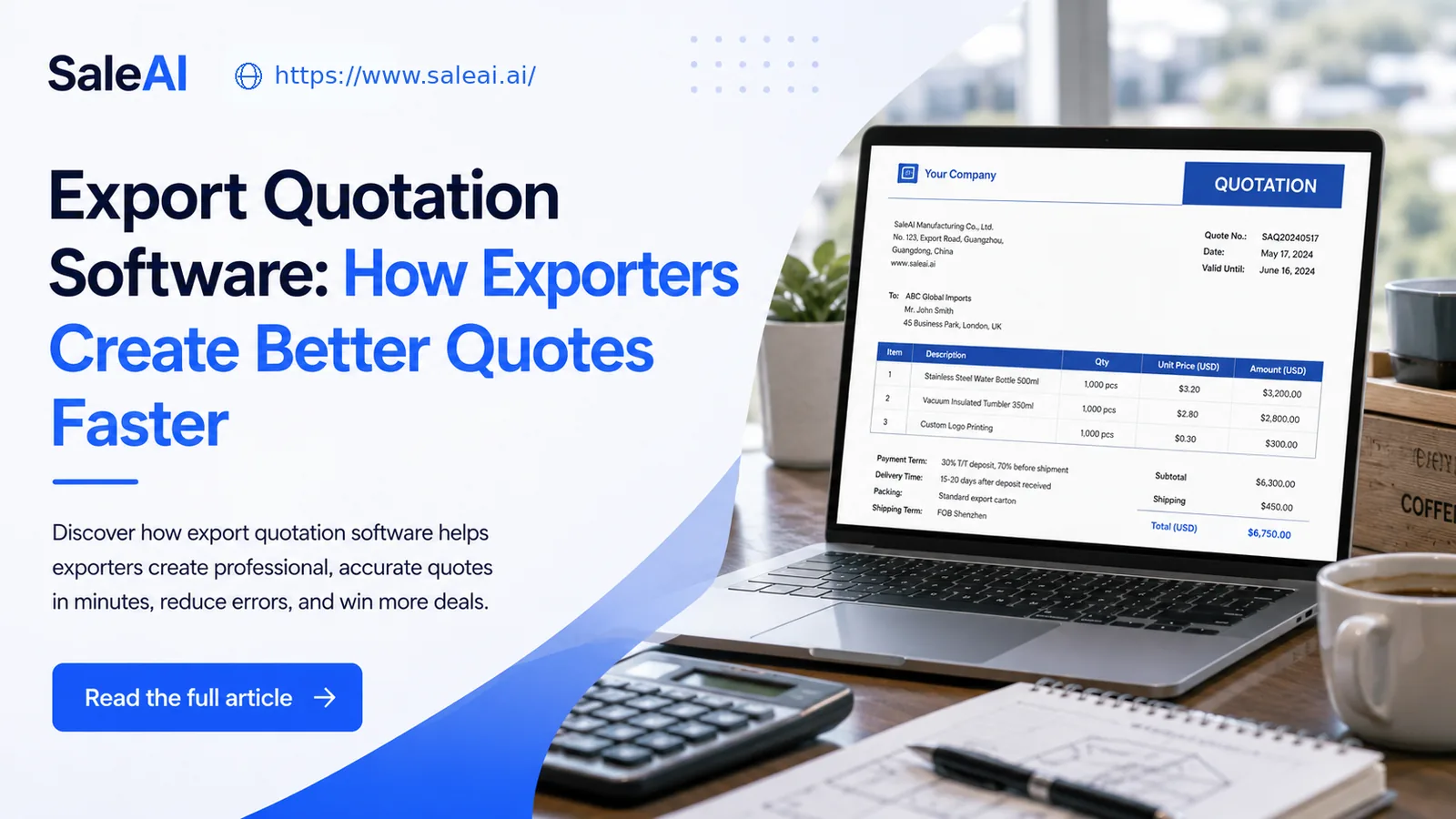
A strong quotation should clearly show:
- product name and model
- unit price and currency
- MOQ
- lead time
- payment terms
- shipping terms
- packing details
- quotation validity
- company contact information
If any key information is missing, buyers may hesitate or ask another supplier first.
Why Word and Excel Quotes Create Problems
Many exporters still prepare quotations using Word, Excel, or old copied files.
This creates risks such as:
- inconsistent formats
- outdated product information
- missing payment terms
- wrong currency symbols
- unclear pricing tables
- slow PDF export
These small mistakes make the sales team look less professional.
A better quotation workflow reduces repetitive editing and keeps every quote easier to read.
What Export Quotation Software Should Do
Good export quotation software should help teams:
| Function | Why It Matters |
|---|---|
| Template control | Keeps every quote consistent |
| Product field input | Reduces missing information |
| PDF export | Makes quotes easy to send |
| Multi-currency support | Fits international buyers |
| Quote history | Helps track previous offers |
| Email connection | Speeds up buyer response |
The goal is not only to make quotes look better.
The goal is to help buyers understand the offer faster.
Common Quotation Mistakes Exporters Should Avoid
Exporters often lose buyer interest because quotations:
- arrive too late
- look different each time
- lack MOQ or lead time
- contain unclear shipping terms
- have no follow-up message
- are hard to compare with competitor quotes
In export sales, speed and clarity often matter as much as price.
How Quotation Software Improves RFQ Response
When a buyer sends an RFQ, the supplier needs to respond while interest is still active.
A structured system helps sales teams:
- Select the right quote template
- Fill in product and pricing fields
- Add trade terms and payment terms
- Preview the quotation
- Export or send the file
This shortens the path from inquiry to quote.
How SaleAI Supports Export Quotation Workflows
SaleAI’s Quote Generator Agent helps exporters create structured quotations from product, pricing, MOQ, delivery, and payment information.
Instead of rebuilding every document manually, teams can generate clean quote formats and connect quotation work with email or follow-up workflows.
For growing export teams, export quotation software is most valuable when it improves both document quality and response speed.
FAQ
What is export quotation software?
Export quotation software helps suppliers create, format, export, and manage quotations for international buyers.
What should be included in an export quotation?
A quotation should include product details, price, MOQ, lead time, payment terms, shipping terms, and validity period.
Is PDF the best format for export quotations?
PDF is commonly used because it keeps formatting stable and looks professional across devices.
Can quotation software help with RFQs?
Yes. It can help sales teams respond to RFQs faster by using structured templates and reusable product fields.
Does SaleAI generate quotations automatically?
SaleAI helps exporters generate structured quotations based on the information they provide, reducing manual formatting and repeated document work.
