


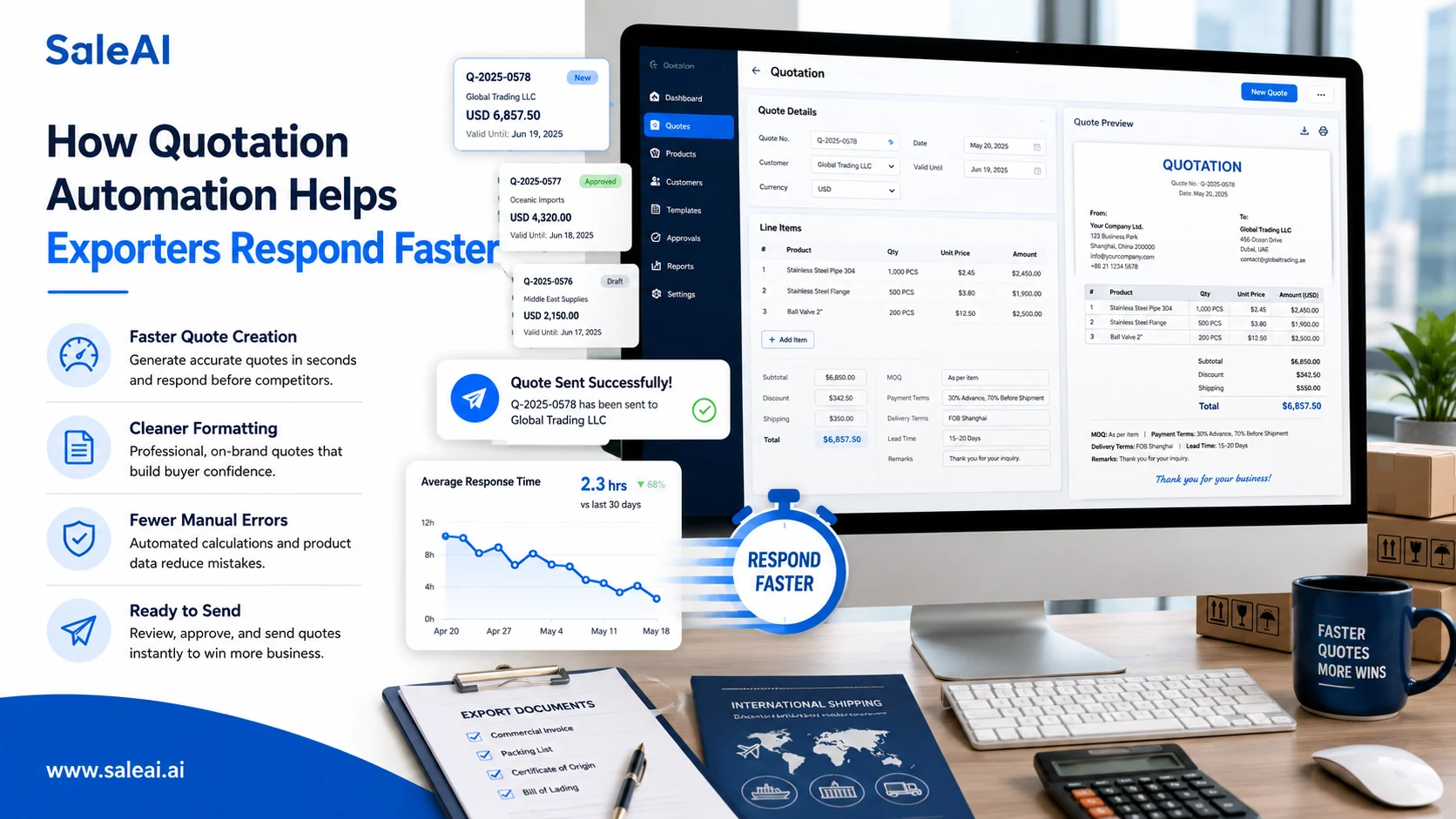
Why Manual Quotation Work Slows Export Sales
For many exporters, quotation work still depends heavily on manual processes.
Sales teams often:
- copy pricing from spreadsheets
- edit old PDF files
- rewrite payment terms repeatedly
- check MOQ manually
- update delivery times one by one
At low inquiry volume, this may seem manageable.
But once RFQs increase, quotation preparation becomes a bottleneck.
This is why many suppliers now explore quotation automation instead of relying only on traditional templates.
Export Buyers Expect Faster Responses Today
International buyers compare suppliers quickly.
If a quotation:
- arrives late
- looks incomplete
- contains inconsistent pricing
- misses shipping terms
buyers often move to another supplier before the conversation develops.
Speed affects buyer perception as much as pricing in many export industries.
What Quotation Automation Actually Does
Good quotation automation is not simply document generation.
It helps organize the entire quotation workflow.
Typical functions include:
| Function | Workflow Benefit |
|---|---|
| Product field management | Reduces manual errors |
| Pricing structure | Keeps quote logic consistent |
| Multi-currency support | Fits global buyers |
| PDF generation | Speeds up export formatting |
| RFQ tracking | Organizes buyer inquiries |
| Quote history | Helps compare previous offers |
The value comes from reducing repeated administrative work.
Common Quotation Problems Exporters Face
Without structured workflows, exporters often experience:
- outdated quotation templates
- inconsistent payment terms
- duplicate quote versions
- incorrect lead times
- forgotten follow-ups
- unclear shipping conditions
These issues reduce professionalism and slow buyer communication.
Why Follow-Up Matters After Quotations
Sending the quotation is only one stage of export sales.
Many buyers:
- compare suppliers internally
- wait for management approval
- evaluate logistics costs
- request revised quantities later
A structured process should connect:
- RFQ reception
- Quote generation
- Follow-up timing
- Buyer response tracking
- Quotation revision
This is where automation becomes especially useful.
How AI Improves Quotation Workflows
AI systems can help exporters:
- generate structured quotations
- adapt quote language
- organize pricing fields
- manage quotation versions
- generate follow-up emails
Instead of repeatedly rebuilding documents manually, teams can focus more on buyer communication and negotiation.
How SaleAI Supports Quotation Automation
SaleAI helps exporters organize quotation workflows from RFQ to follow-up.
Teams can:
- generate export quotations
- manage quote templates
- track buyer responses
- connect quotations with outreach workflows
For growing export operations, quotation automation becomes valuable when inquiry volume exceeds what manual document management can handle efficiently.
FAQ
What is quotation automation?
Quotation automation uses software or AI workflows to help businesses create, manage, and send quotations more efficiently.
Can quotation automation reduce errors?
Yes. Structured workflows reduce mistakes such as missing payment terms, wrong pricing formats, or inconsistent product details.
Is quotation automation useful for exporters?
Yes. Export workflows often involve RFQs, multi-currency pricing, and repeated quotation revisions, making automation highly useful.
Does quotation automation replace sales teams?
No. It supports administrative and document workflows while sales teams still manage negotiation and buyer relationships.
Can AI generate export quotations automatically?
AI can help structure quotations, organize product data, and generate export-ready documents faster.
