


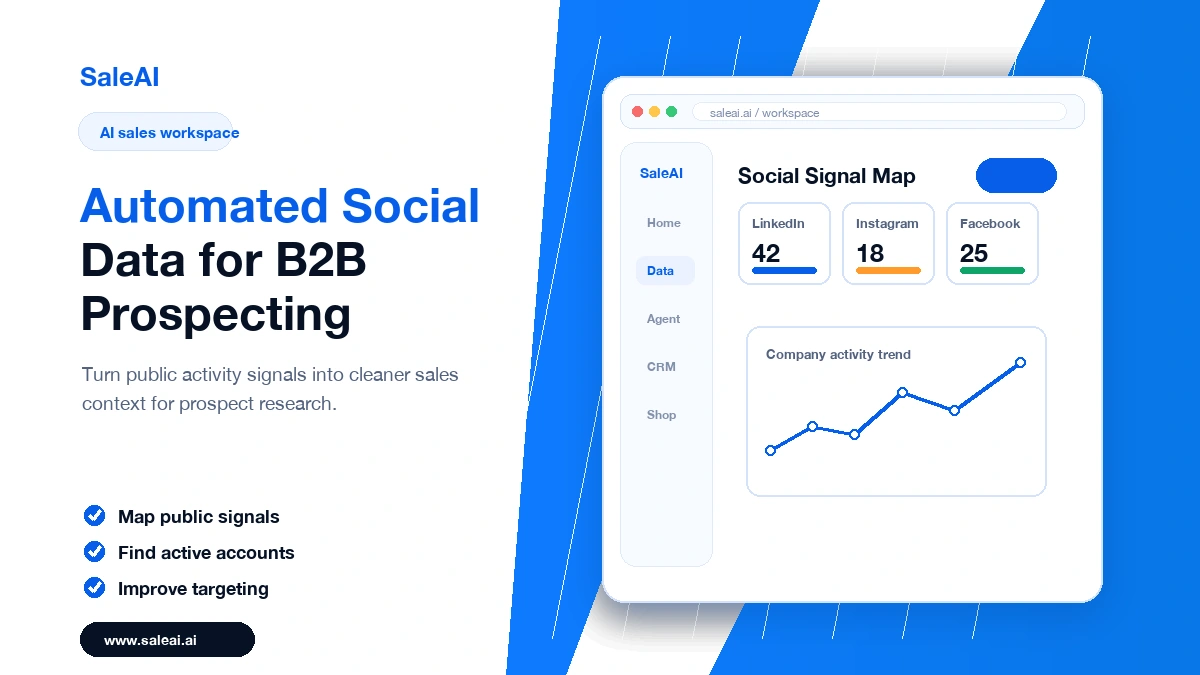
Automated social data can be useful because it captures movement. A company website may stay unchanged for months, while public posts, hiring updates, event activity, and category announcements can reveal what the business is paying attention to now.
That does not mean every public signal deserves a sales email. The best prospecting teams use social data carefully. They look for business context, filter out noise, and connect the signal to a specific outreach reason. SaleAI Data can support that process by helping teams organize public account signals before they become campaign inputs.
Useful social data is not random activity
A useful signal helps answer a simple question: why contact this account now? A distributor posting about a new product line may matter. A manufacturer hiring sourcing staff may matter. A company attending a relevant trade show may matter. A generic holiday post probably does not.
This is where automated social data needs filtering. Automation can collect more information than a rep could review manually, but the team still needs rules about what counts as a buying clue.
Turn signals into sales context
Good prospecting does not paste a social detail into the first sentence just to look personal. It uses the signal to shape the message. If a company is expanding a category, ask a category-specific question. If a buyer is showing interest in operational efficiency, speak to that concern.
- Use public company activity, not overly personal details.
- Connect the signal to a product or sourcing problem.
- Keep the message short enough for a busy buyer.
- Record the signal in CRM so follow-up keeps the same context.
Why social data should feed the CRM
A signal is easy to lose after the first email. If it is not recorded, the second follow-up may sound generic. By connecting social research to SaleAI CRM, teams can keep the account reason visible through the whole conversation.
This also helps managers review what worked. Did event signals produce replies? Did hiring signals reveal active accounts? Did product-launch signals lead to better conversations?
Use automation with restraint
The goal of automated social data is not to create a larger pile of leads. It is to help teams notice meaningful account movement earlier and write with better timing. Used well, it makes outreach feel more relevant. Used poorly, it just makes generic outreach look decorated.
How to keep social signals reliable
Public activity can be misleading if it is read without context. A company may post often because its marketing team is active, not because it has a buying need. Another company may post rarely but still be a serious buyer. This is why automated social data should be combined with company fit, product relevance, and website context.
A practical approach is to group signals by usefulness. Category expansion, hiring in relevant roles, event participation, and repeated product mentions can be high-value signals. Generic brand posts, holiday messages, and unrelated announcements should be low-value. The sales team should not treat every update as a reason to email.
A review rhythm for the sales team
Once a week, review a small sample of accounts selected through social signals. Ask whether the signal was visible, whether it affected the message, and whether it produced a meaningful response. This keeps the team from trusting automation blindly.
It also helps reps write better messages. Instead of saying, “I saw your recent post,” a stronger message connects the public activity to a business question. For example, if a distributor is promoting a new product line, the outreach can ask whether they are evaluating suppliers for that category. Automated social data should lead to better business relevance, not casual personalization.
